
United States / English
Contact Support
Most questions are answered faster through self-service. If you still need help, prepare your details first.
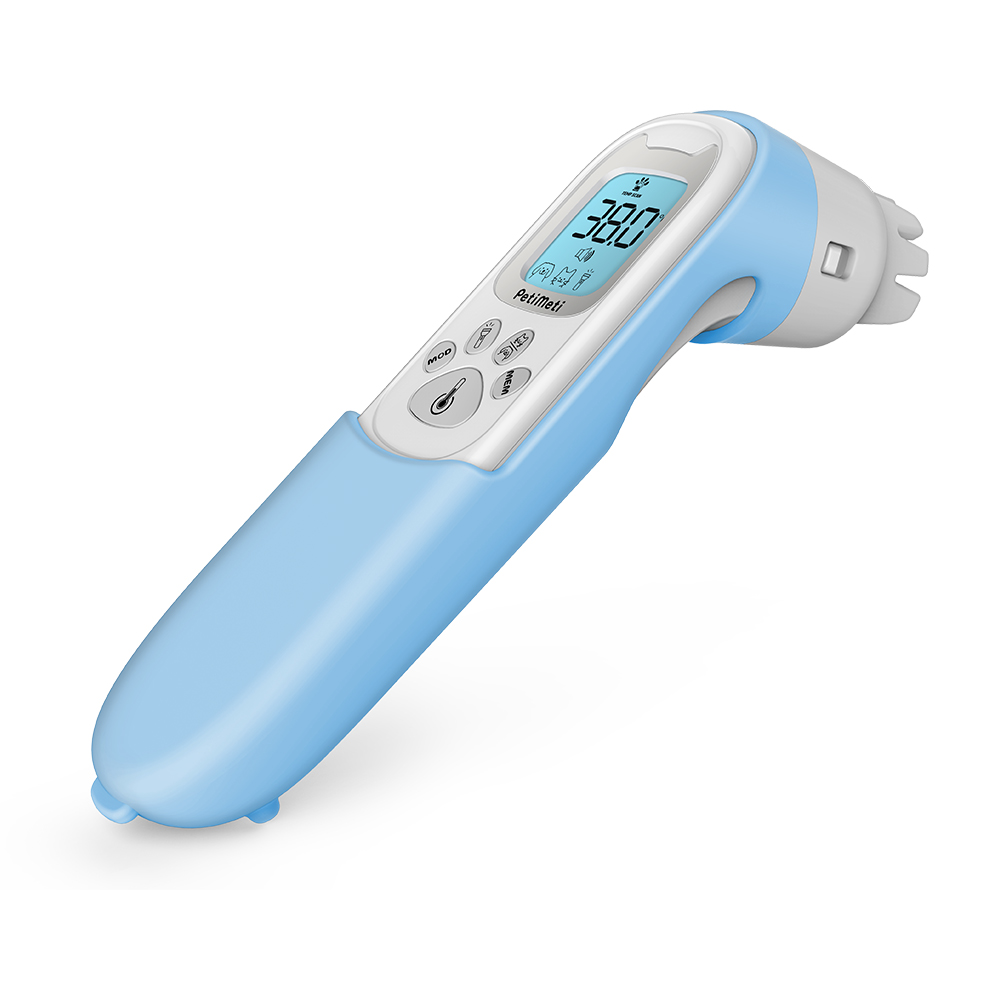
Support on this page covers the PCI01 Pet Thermometer shown here. Confirm your device matches before you contact support.
Try self-service first
PCI01 Product Support
Setup, dog and cat usage guides, and how to use the device with or without the blue silicone cover.
Getting Started
Insert two AAA 1.5V batteries, choose your usage guide and take your first scan correctly.
FAQ & Troubleshooting
Step-by-step help for power, screen and backlight, measurement consistency, cover, cleaning and stored records.
FAQ
Searchable answers to the most common PCI01 questions in the U.S. market.
Topic routing
Choose the topic that best matches your situation so your request reaches the right queue.
- Setup and first use
- Power and battery issues
- Screen and backlight
- Measurement consistency
- Silicone cover and cleaning
- Stored records
- Warranty and returns
- Something else
Preparation checklist
- Your purchase channel, order number and purchase date.
- Proof of purchase you can upload.
- Whether the blue silicone cover is fitted.
- Which usage guide you follow: dog or cat.
- What happens, and when it started.
- The troubleshooting steps you already tried.
- Photos of the complete product and a close-up of the issue.
Contact channels
Support email address (U.S.)
Internal configuration required before launch
Support phone number and operating hours (U.S.)
Internal configuration required before launch
Live chat or help desk portal link
Internal configuration required before launch
Mailing address for returns and correspondence
Internal configuration required before launch
Expected response times
Internal configuration required before launch
Support scope